

pollensa
Founder
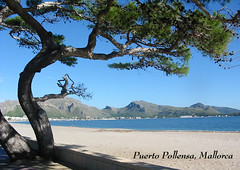
In order to insert a photo in to a post such as the one above you will need to do the following:
1) join flickr.com (see other post for instructions)
2) upload your photos (instructions on the site)
3) select your photo & View different sizes - choose either 'small' or smaller or they will take to long to download
4)Look for the instructions: To link to this photo on other websites you can either:
1. Grab the photo's URL:
5) Copy the url (Ctrl-C)
6) Start a post on this forum
6)Click on the grey box marked 'image' (left of insert box) & paste the URL into the box.
When you preview the post the photo should appear. If it doesn't check that you have set it to be 'public' on Flickr.


